Volume Control
Home
Push your media volume past 100%, fine-tune every system sound, and search the web — all from one swipe. Clean, fast, and built for one place.
- Volume boost
- 200%
- Sound sliders
- 5-in-1
- To everything
- 1 swipe
Volume boost
Sound sliders
To everything
Everything in one swipe
Your phone's sound, finally under control
Four focused tools, no clutter. Boost, tune, search, and launch — all from a single clean home.
Louder, instantly
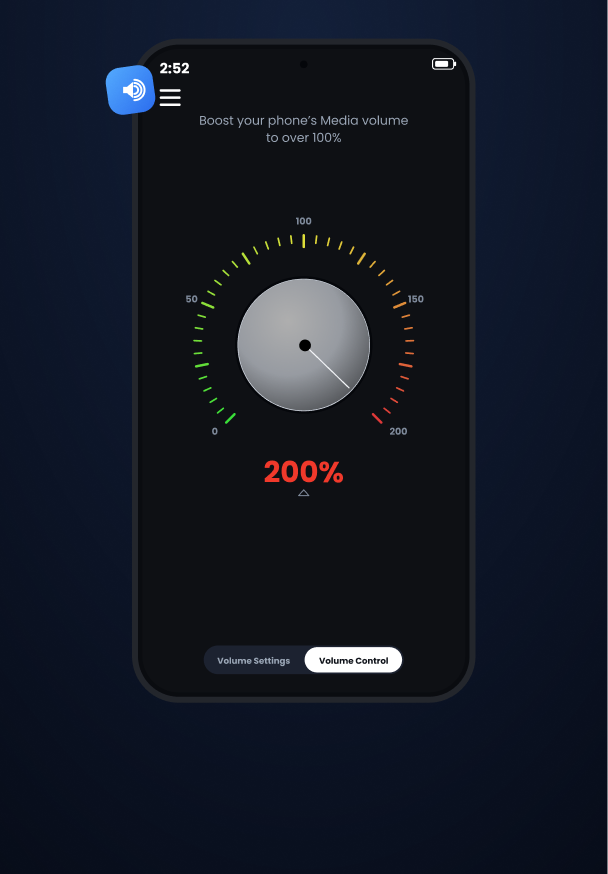
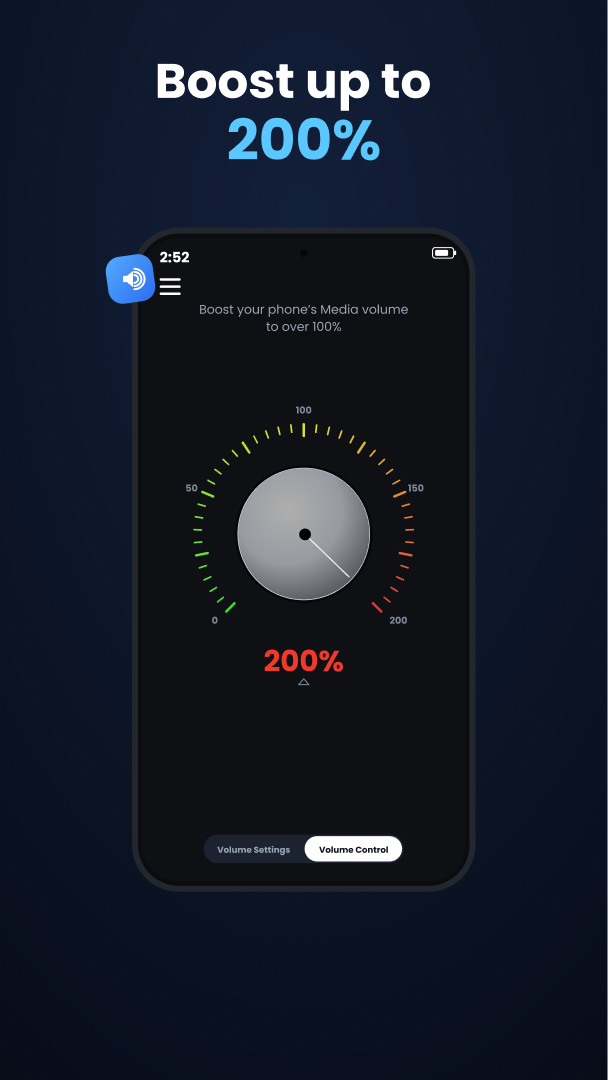
Boost up to 200%
Push past your phone's built-in ceiling. A precision dial takes media volume well beyond 100% so quiet videos, calls, and tracks finally fill the room.
- Smooth, distortion-aware boost
- Fine dial control
- Works across media apps
Every channel, tuned
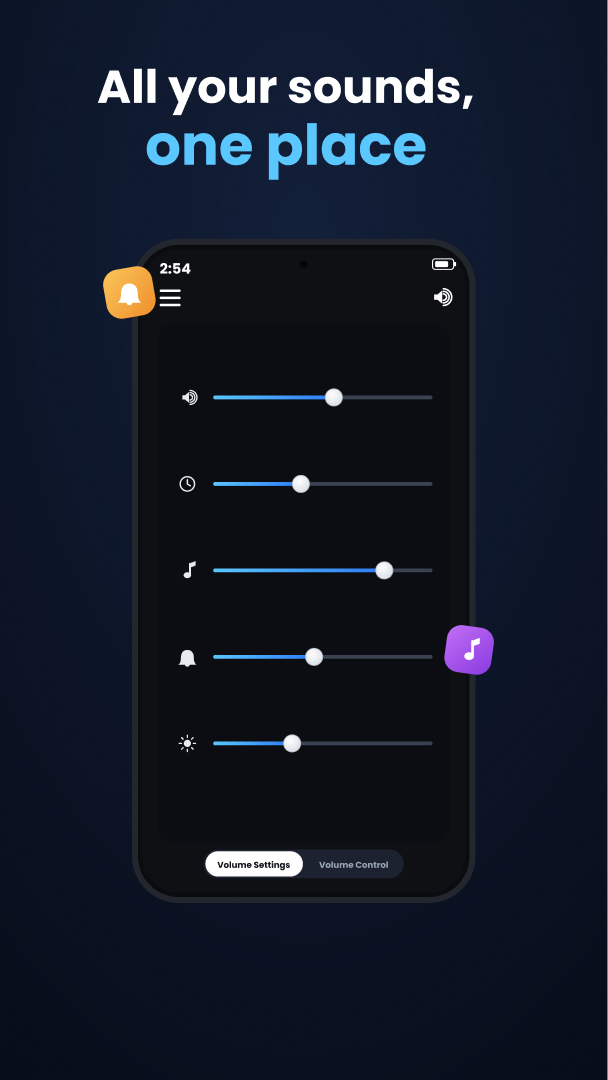
All your sounds, one place
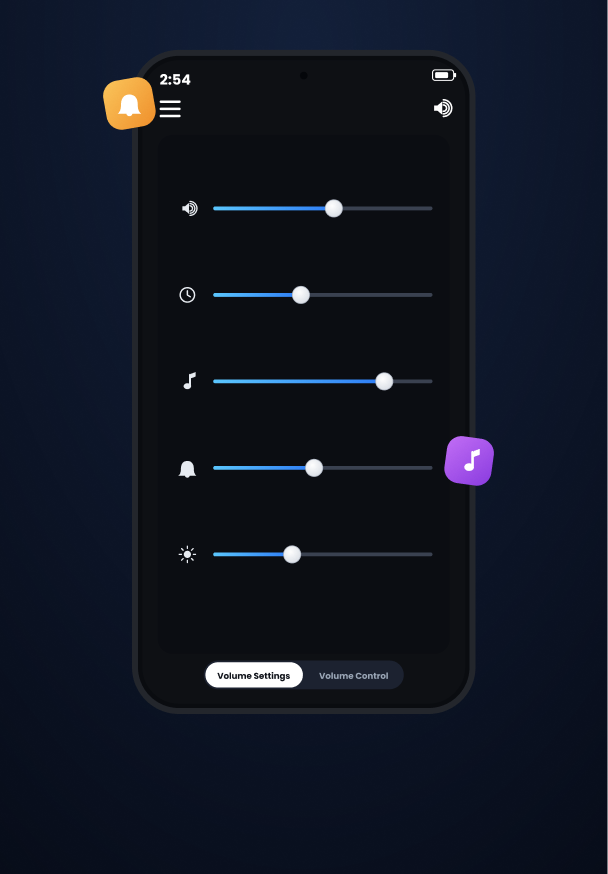
Media, ringtone, alarm, notifications, and system volume — each on its own slider. Set the perfect mix once and stop digging through settings.
- 5 independent sliders
- Live preview as you drag
- No settings menu spelunking
Find it fast
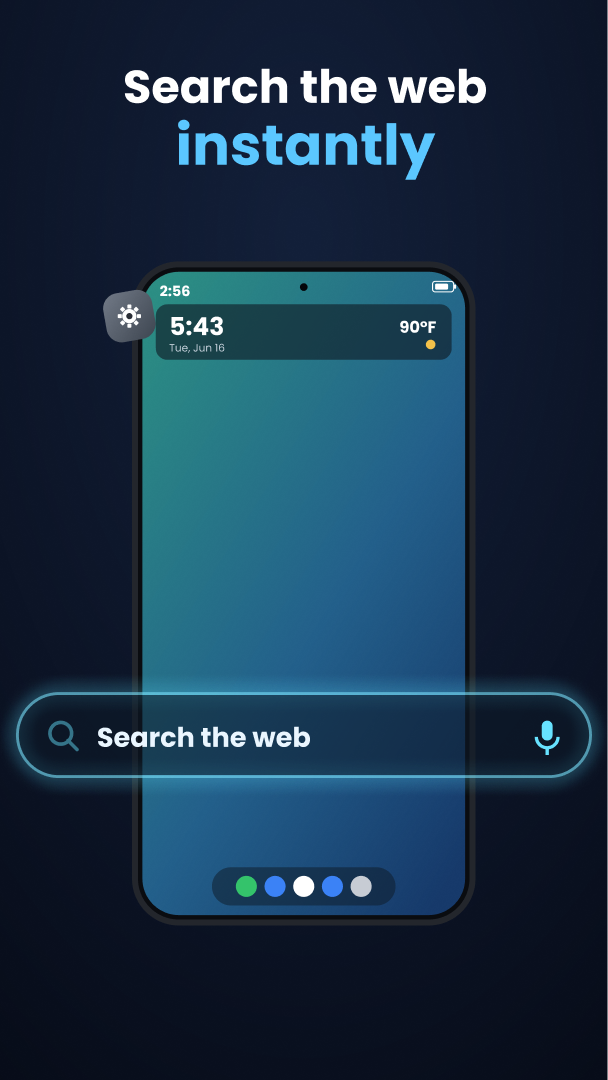
Search the web instantly
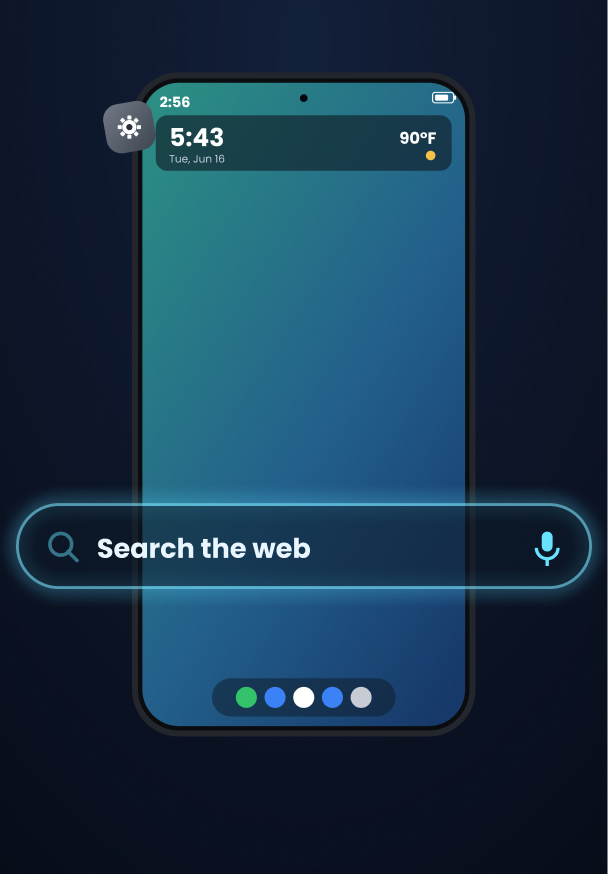
A built-in search bar puts the whole web one tap away — right alongside your audio controls, with the time and weather glanceable up top.
- One-tap web search
- Voice input
- Glanceable time & weather
Always at hand
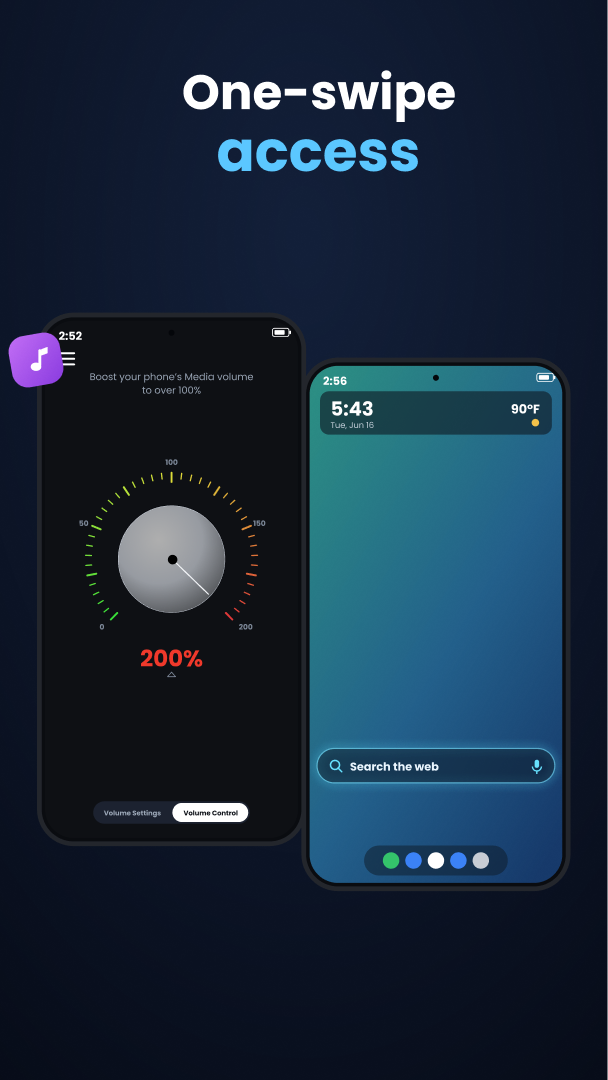
One-swipe access
Everything lives a single swipe from your home screen. Open Volume Control Home, dial in, search, and get on with your day — no app hunting.
- Home-screen ready
- Instant launch
- Zero clutter
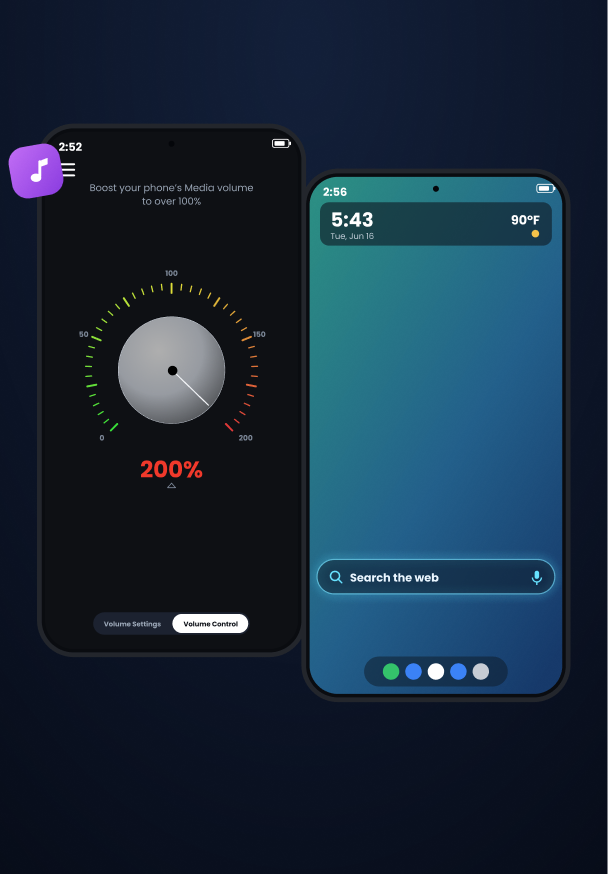
Take a look
Clean by design
Good to know
Frequently asked questions
Does it really make my phone louder than 100%?
Yes. Volume Control Home applies an additional gain stage on top of the system volume, letting media play well beyond the stock ceiling — up to 200% — while keeping the sound clean.
Which sounds can I control?
Media, ringtone, alarm, notifications, and system volume each get their own slider, so you can set the exact mix you want without opening Settings.
Is it free?
Volume Control Home is free to download on Google Play. There are no interruptive ads getting between you and your controls.
Will boosting damage my speakers?
The boost is designed to stay within safe limits and avoid hard clipping. As with any audio, very high levels for long periods aren't recommended — use the dial to find a comfortable level.
Turn it up. Tune it in.
Get Volume Control Home free on Google Play and put your phone's sound exactly where you want it.